
Ultimate PO Box Blocker +
Block PO boxes only for some products
Use a custom rule when only some of your products can’t ship to a PO box, such as items your suppliers send by UPS or FedEx. The rule finds those products by their tag, so it works however your shipping profiles are set up.
Before you start
Tag those products first, for example with “drop shipping”. The tag can be upper or lower case.
Steps
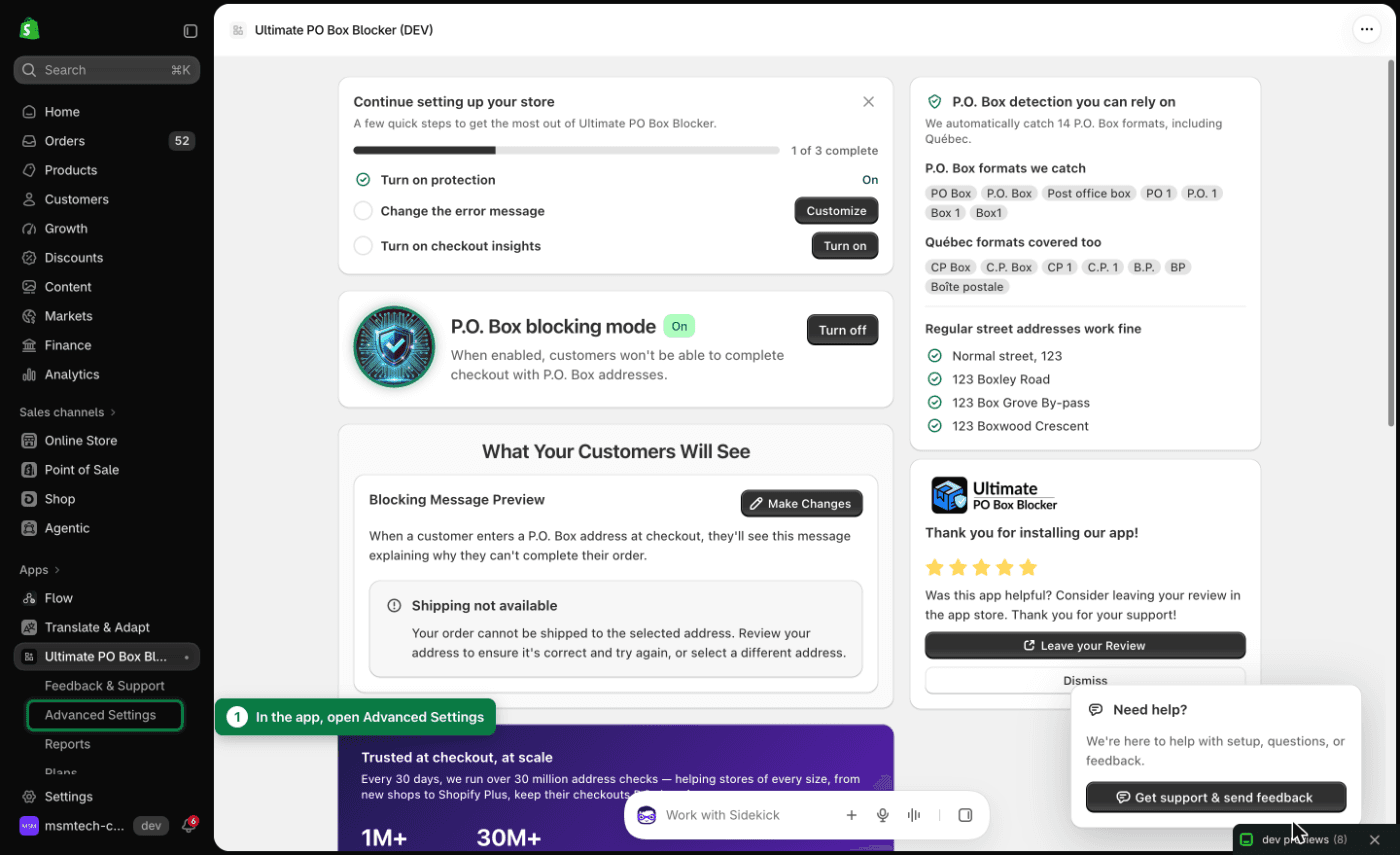
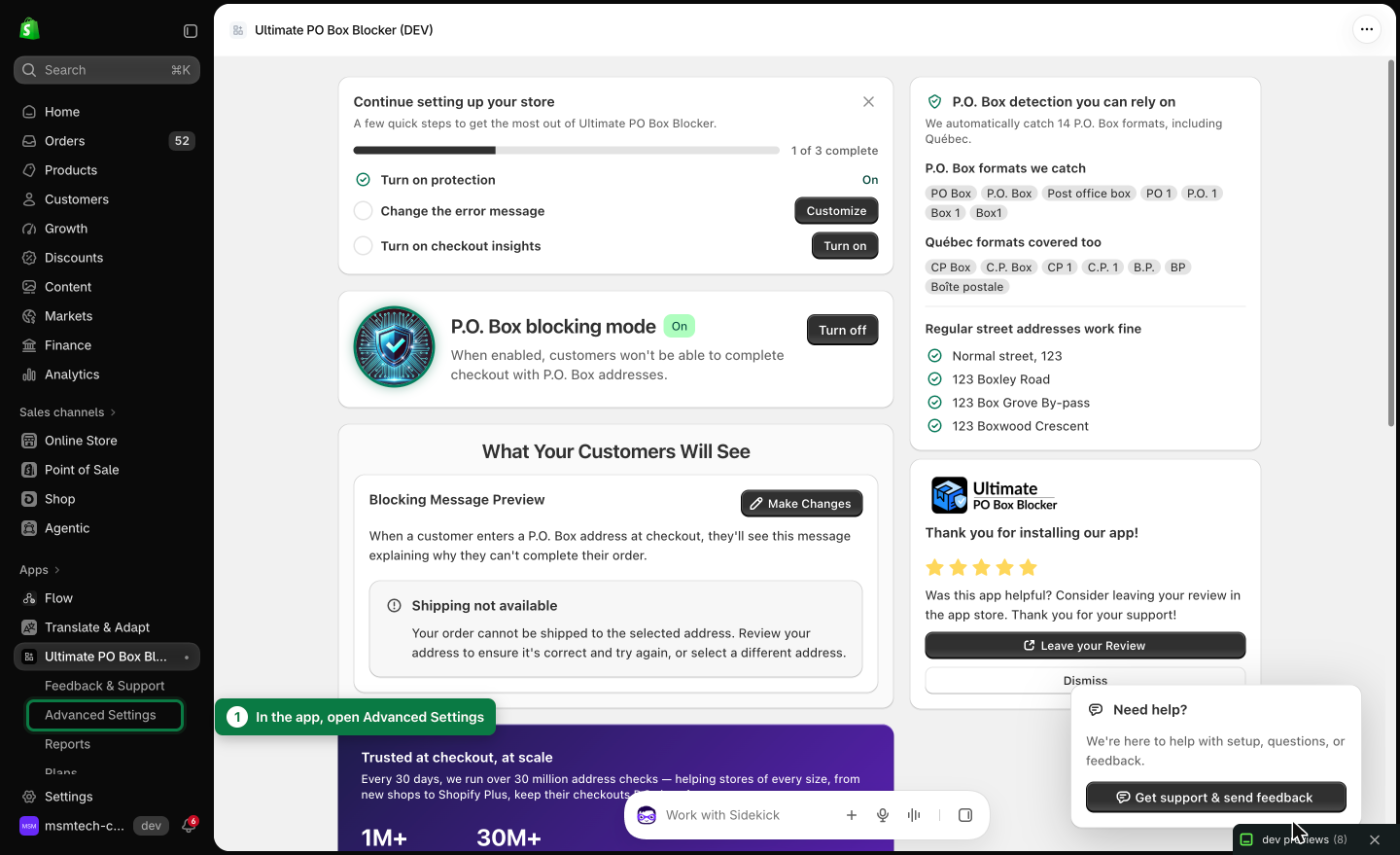
In the app, open Advanced Settings.
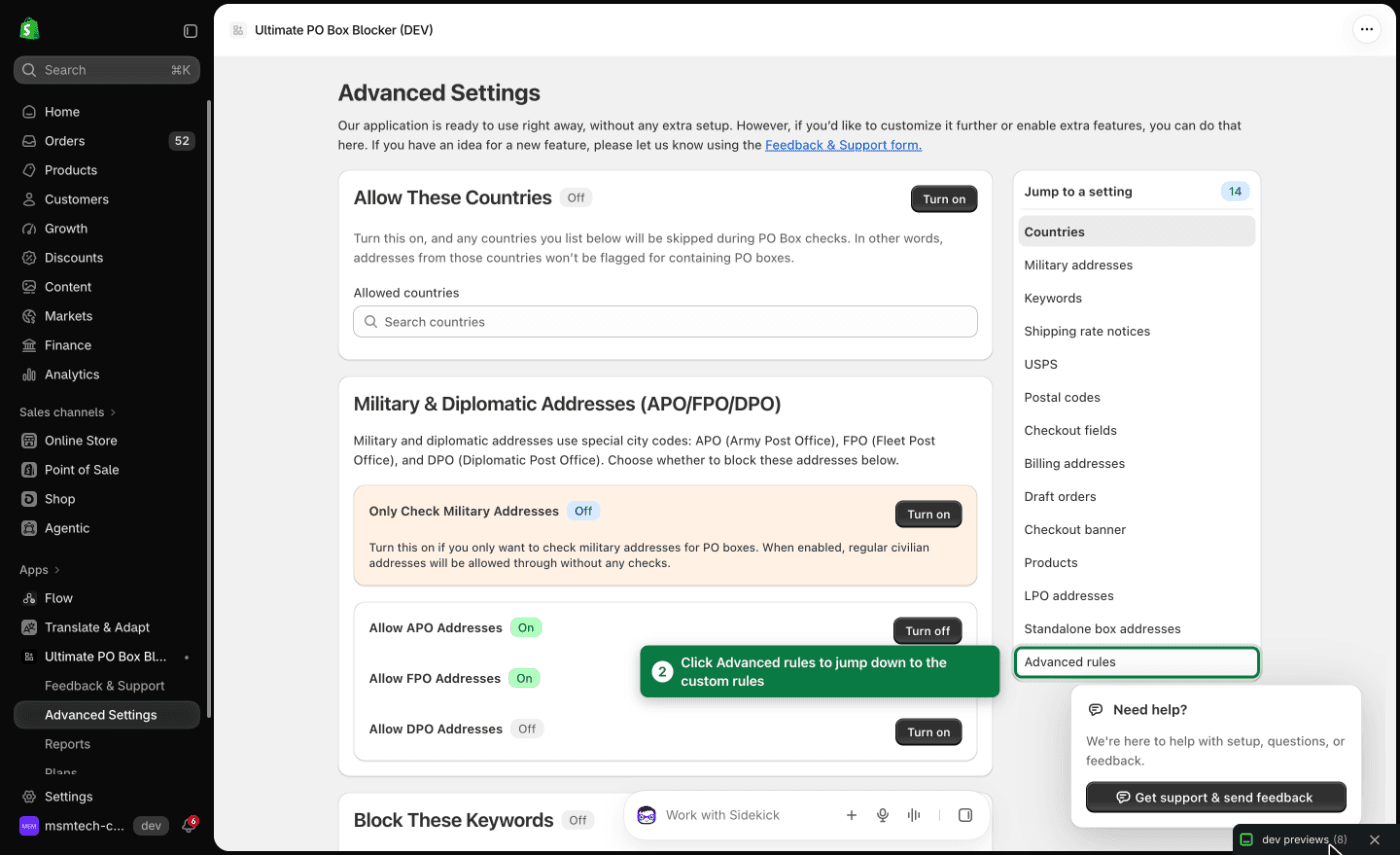
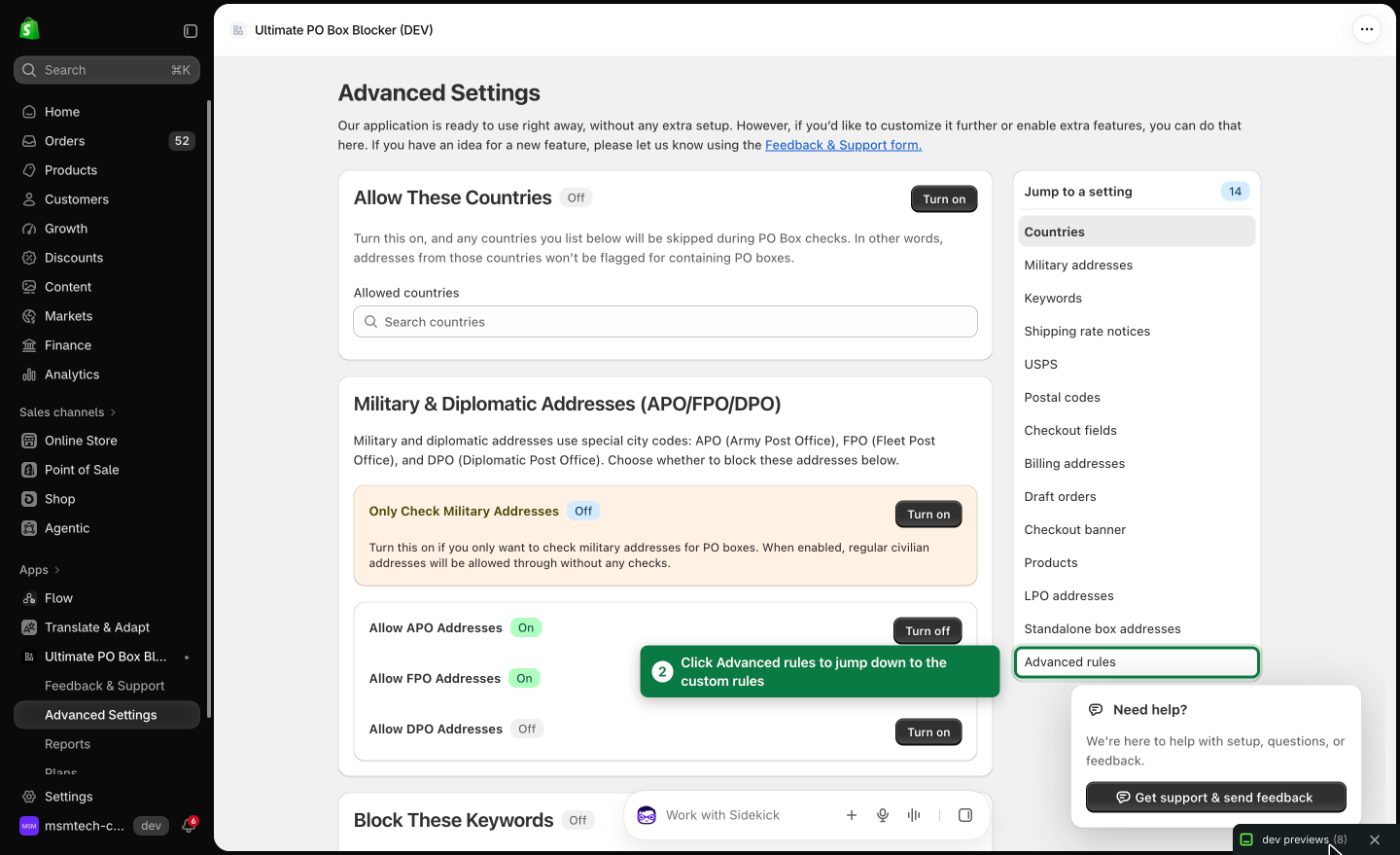
In the Jump to a setting list on the right, select Advanced rules to go down to the custom rules.
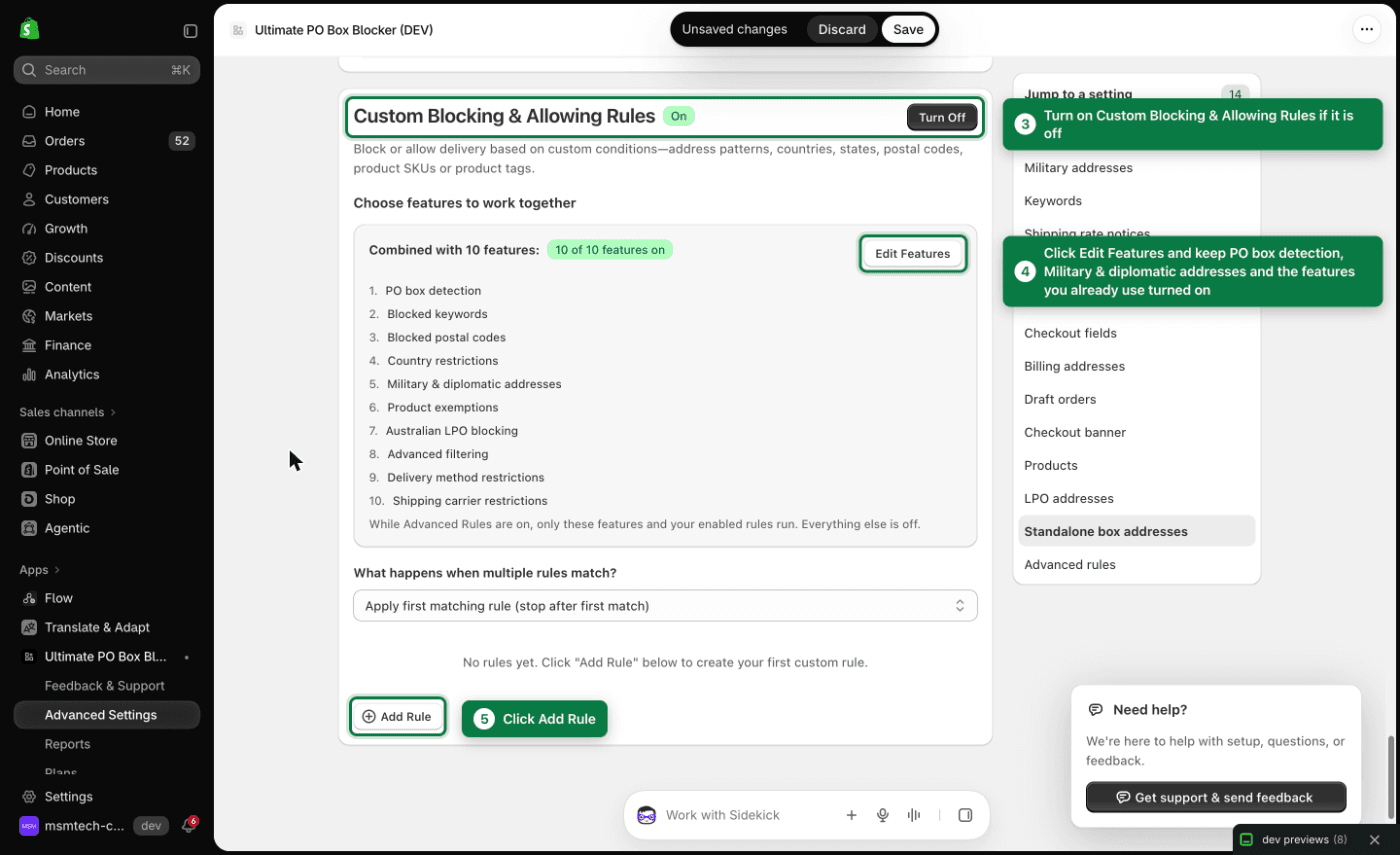
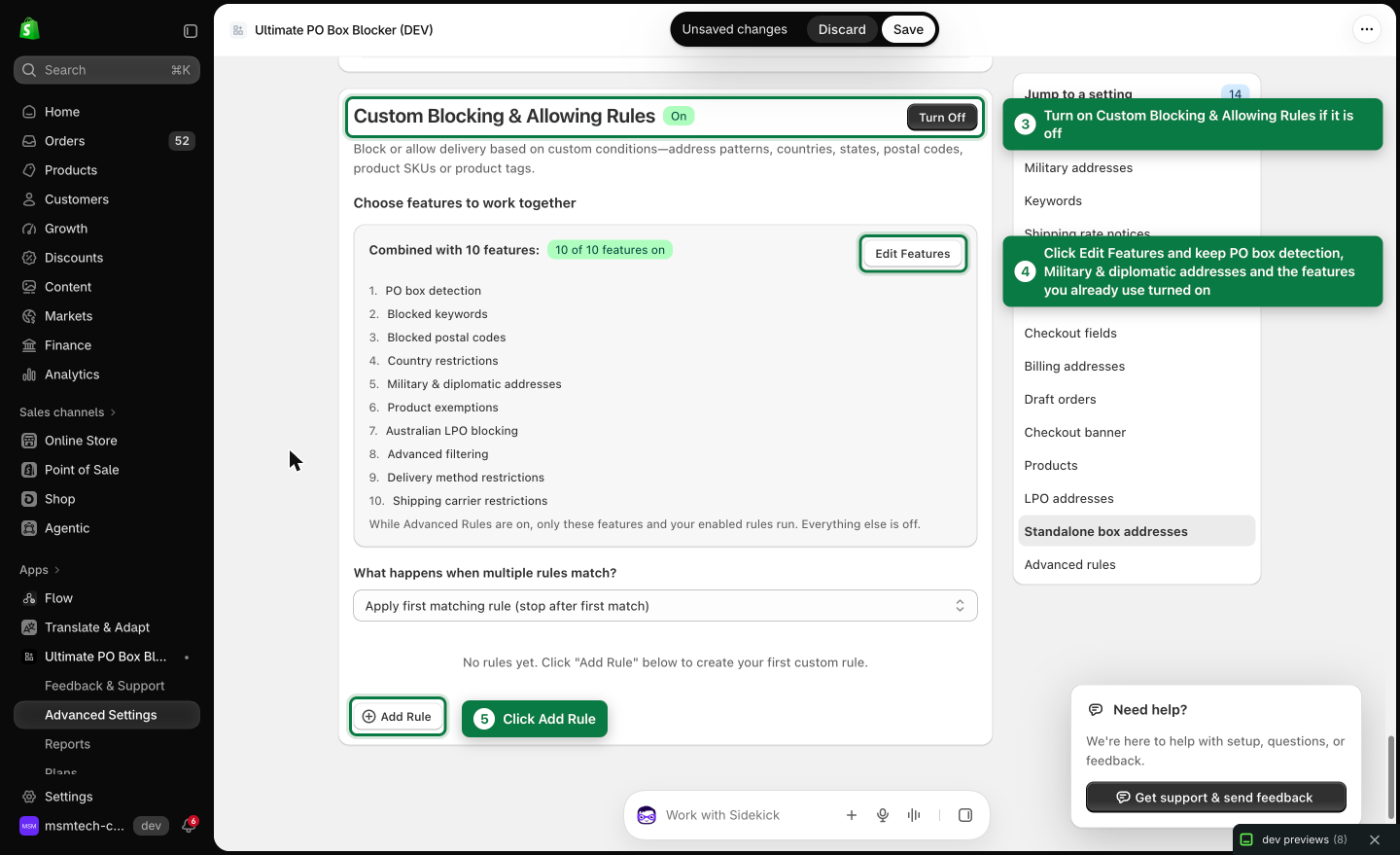
Turn on Custom Blocking & Allowing Rules if it is off.
Select Edit Features and keep PO box detection, Military & diplomatic addresses and the features you already use turned on. While custom rules are on, only the features in this list run.
Select Add Rule.
Under Rule Name, name the rule, for example “Drop-ship products”.
Under Choose an action, choose Check for PO boxes.
Under Which rates can still be chosen?, choose None.
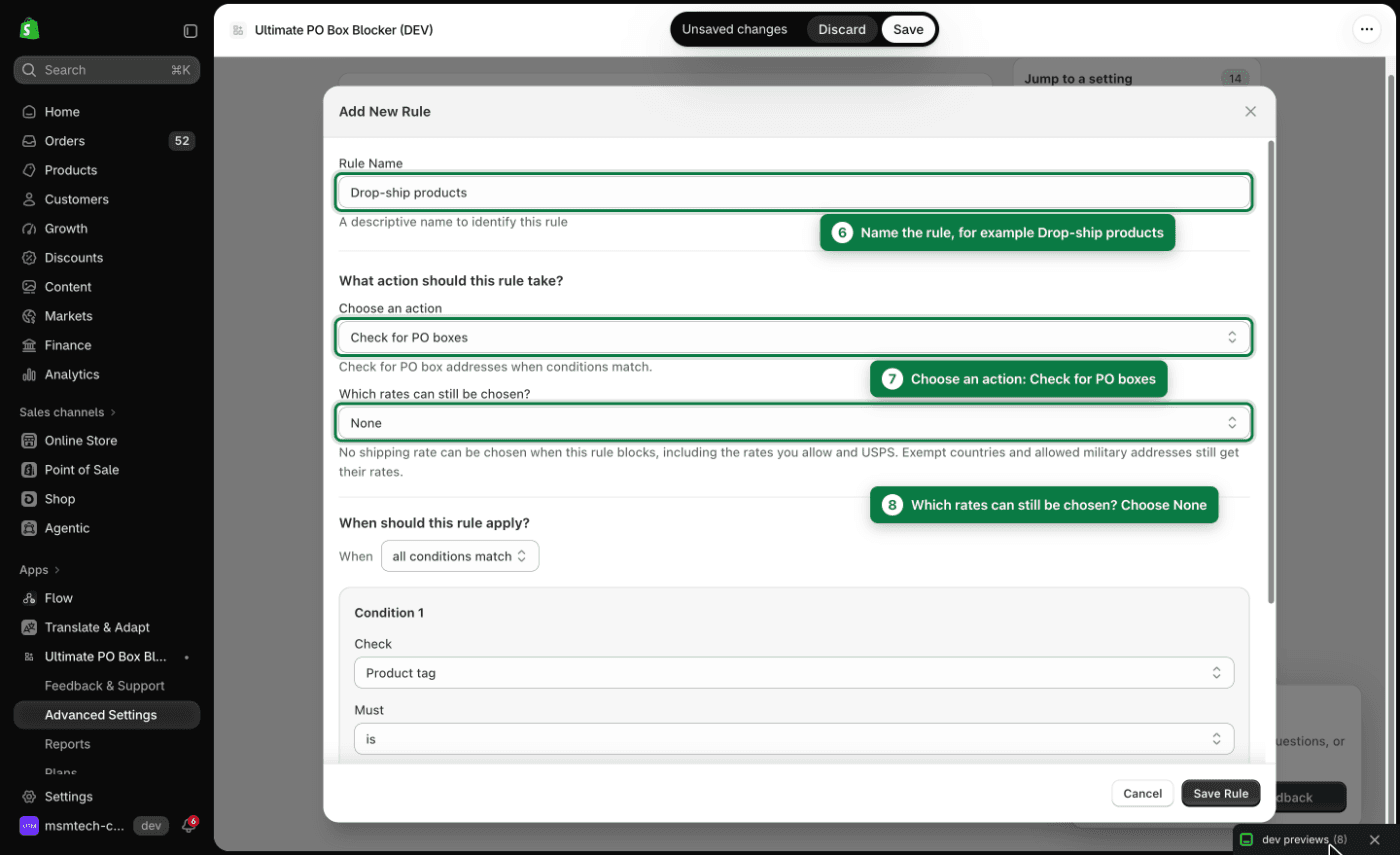
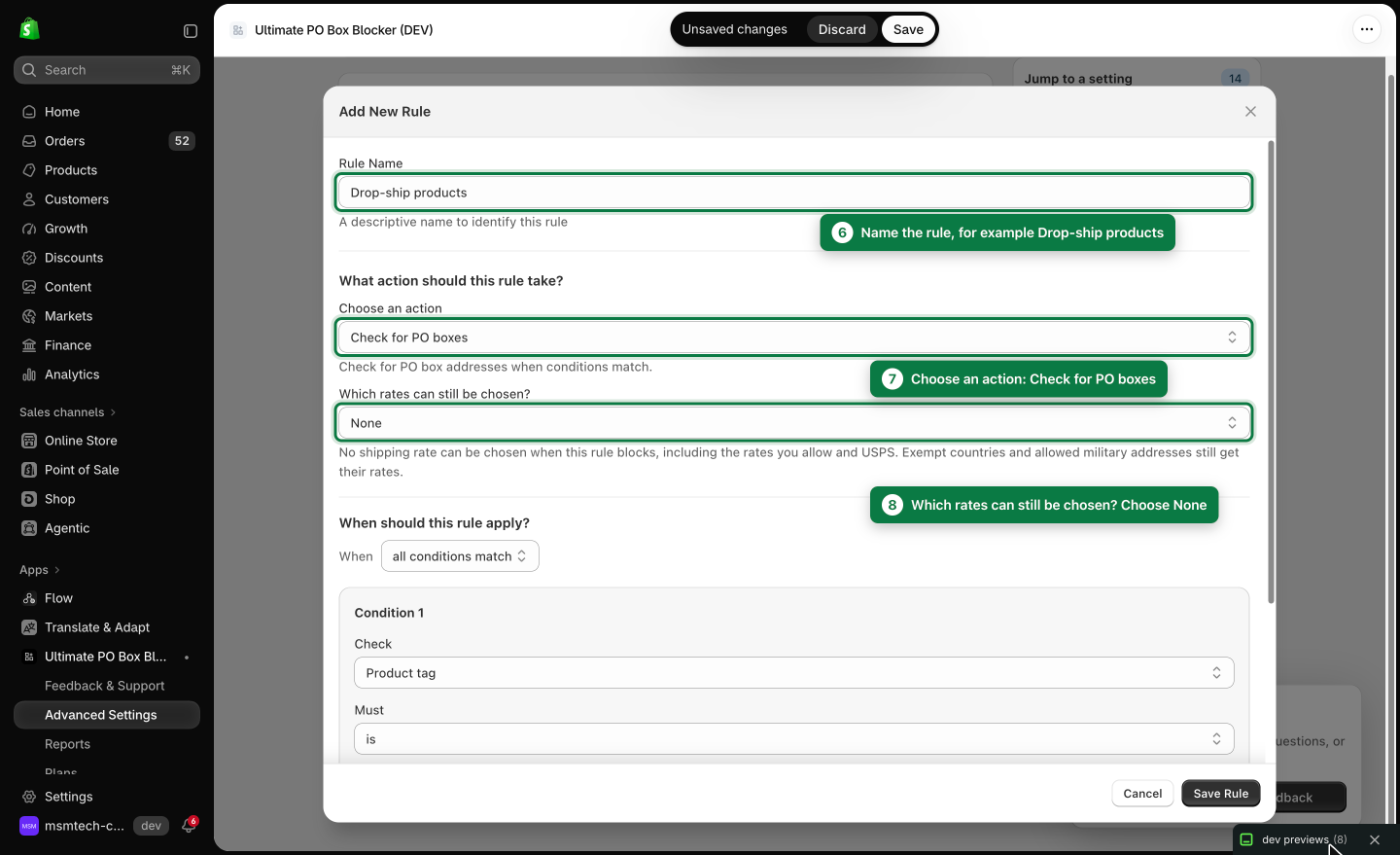
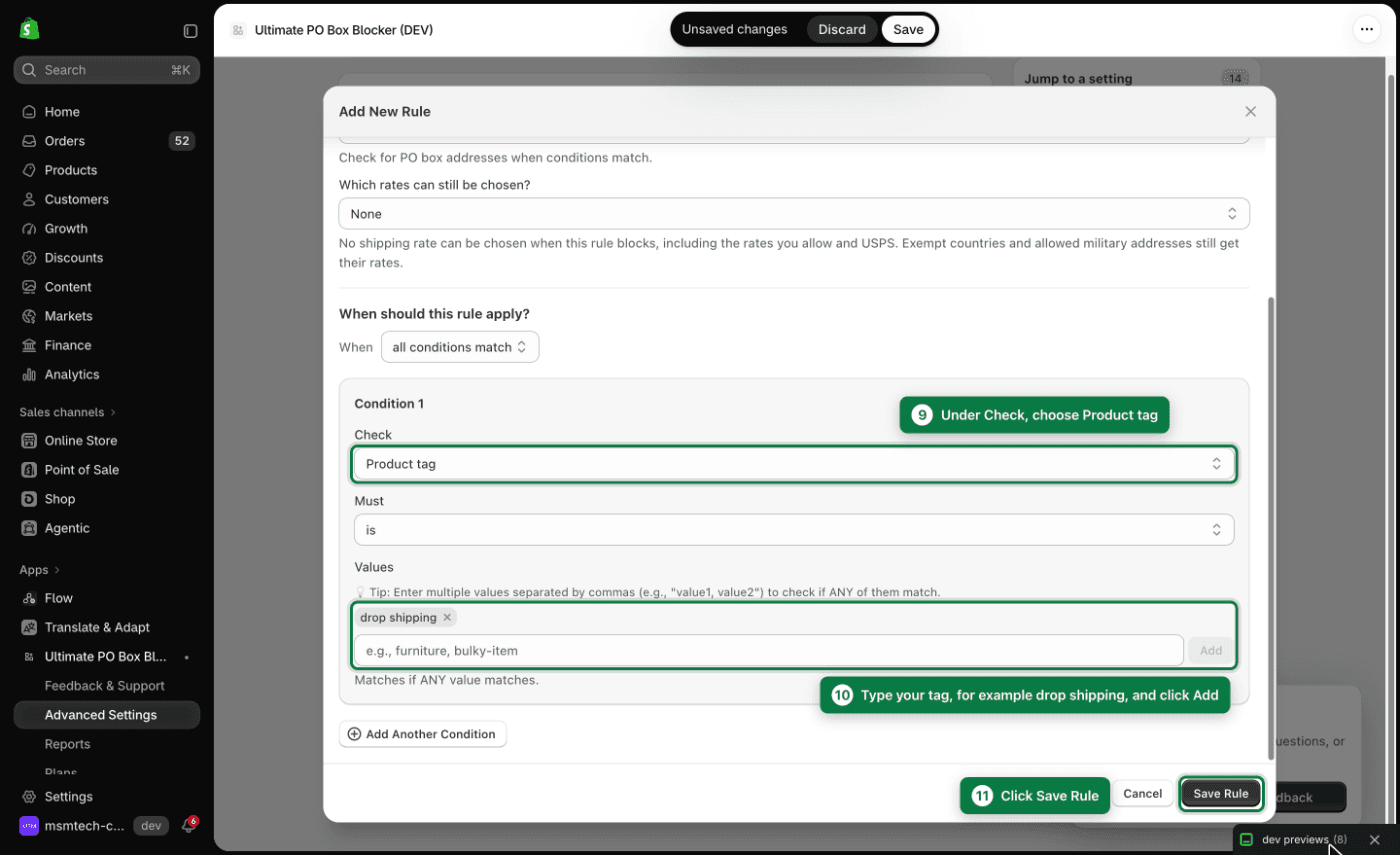
In Condition 1, under Check, choose Product tag.
Under Values, type your tag and select Add.
Select Save Rule.

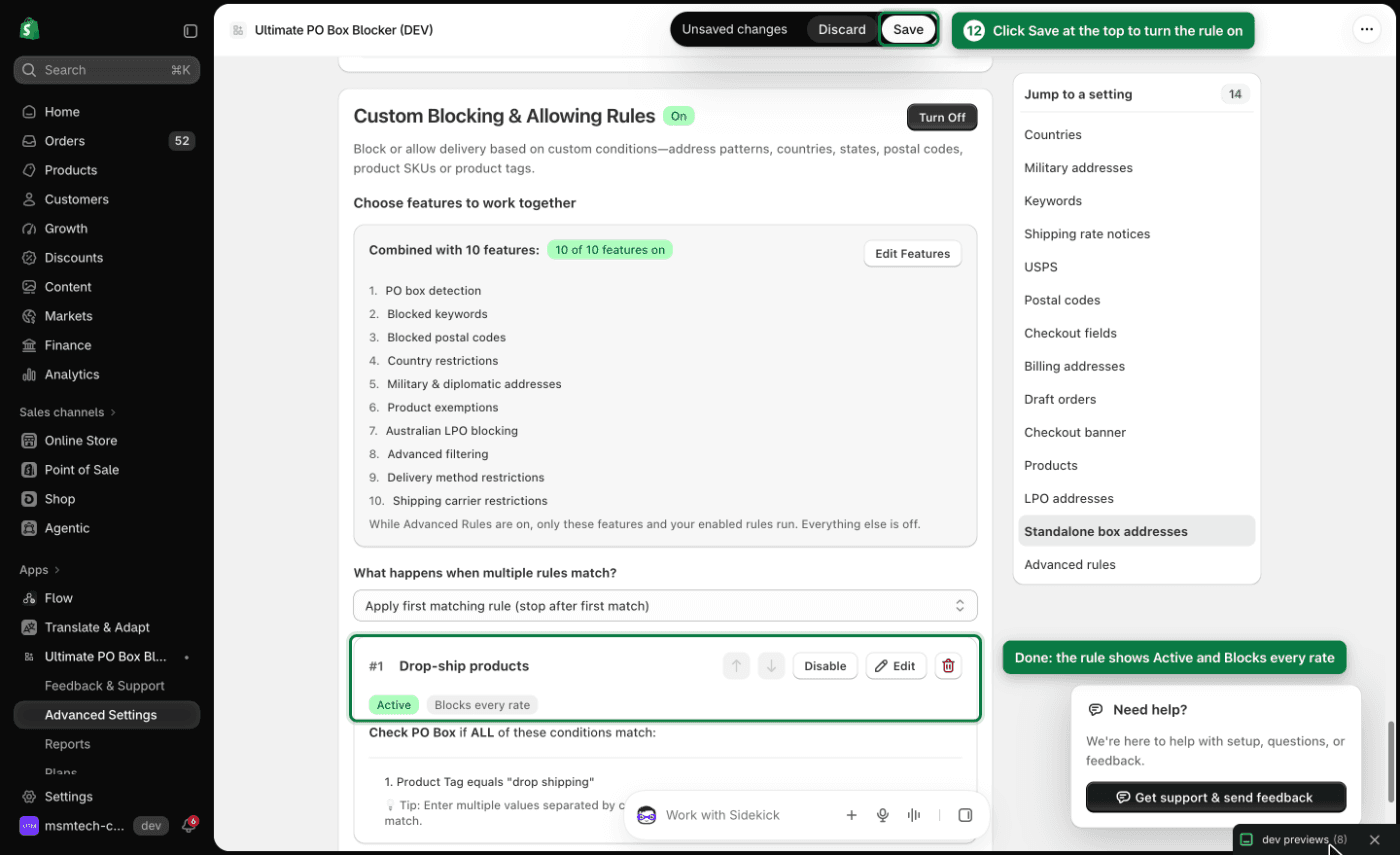
Select Save at the top of the page. The rule’s card shows Active and Blocks every rate.
What your customers see
- A cart with a tagged product, going to a PO box
- No shipping rates. Your customer sees the message you set in What Your Customers Will See on the app’s Home page.
- The same cart, going to a street address
- No change: every rate shows as usual.
- A cart without tagged products
- No change. The rates you allow under Allow These Rates, and USPS if you allow it, still work for PO boxes.
- A military address (APO, FPO or DPO) you allow
- It still gets its rates, and so do the countries you exempt.
Check it
On the app’s Home page, open Test an Address, enter a PO box address and pick a tagged product. The result should say that your rule will block the address and that no shipping rate can be chosen.
Good to know
- None also hides the rates you allow and USPS, but only for carts the rule matches.
- Custom rules can check up to three lists of product tags in all.
- These carts get the same What Your Customers Will See message as every other block. A rule can’t have a message of its own.