FedEx Integration with Shopify: Labels, Live Rates and Address Rules
FedEx integration with Shopify, two ways: discounted labels through Shopify Shipping or live rates from your own account, plus the address rules that matter.
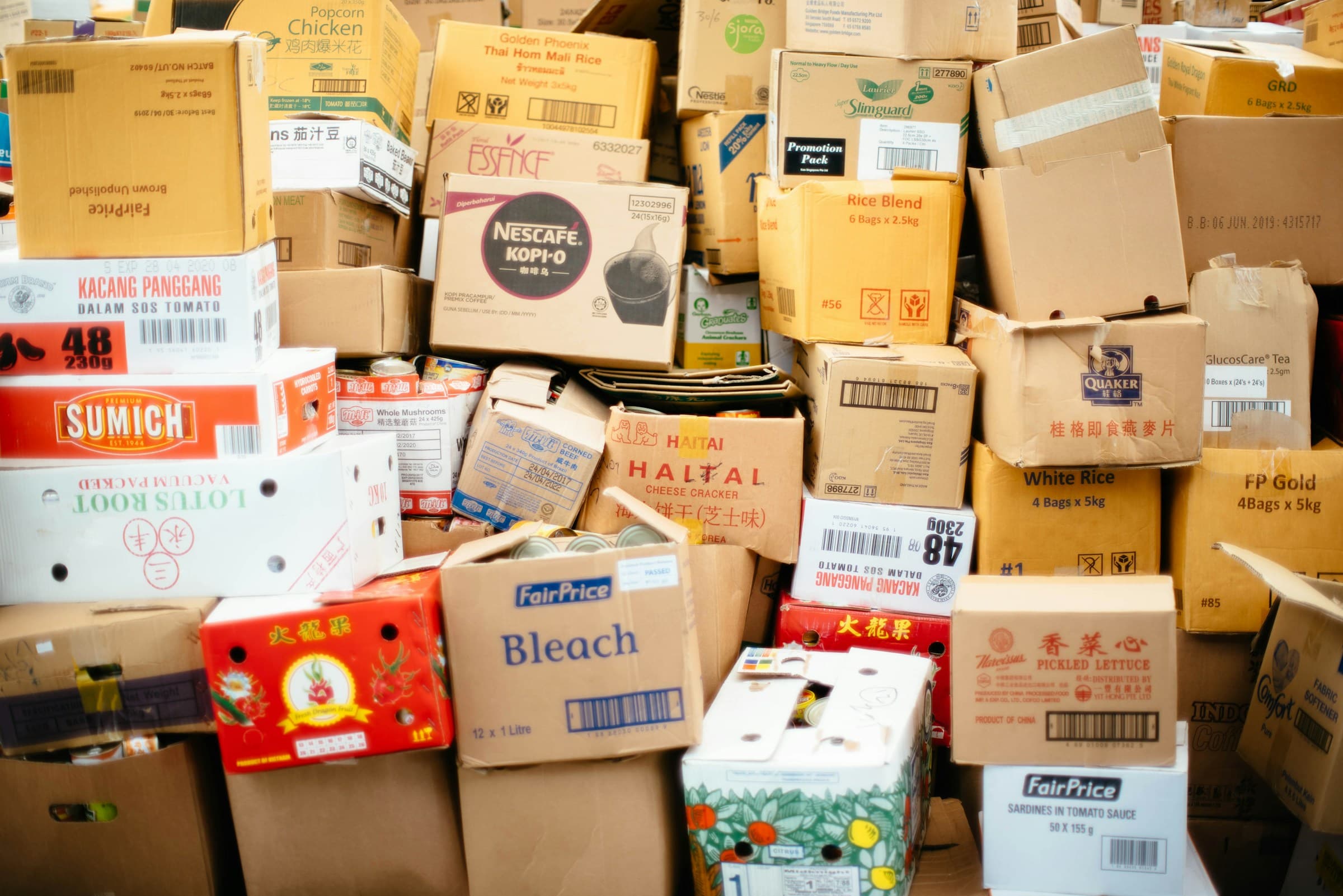
There are two ways to integrate FedEx with Shopify. Buy discounted FedEx labels through Shopify Shipping, which covers US-domestic shipments from a US location, or connect your own FedEx account to show its live rates at checkout, which needs the Advanced or Plus plan, or an add-on on Grow. Either way, FedEx can’t deliver to PO Boxes.
Which one fits depends on where you ship from and whether you have negotiated FedEx rates. A few address rules then decide whether the parcel actually arrives.
Option 1: FedEx labels through Shopify Shipping
If you ship from a fulfillment location in the United States, you can buy FedEx labels directly from an order in Shopify admin. These labels are for domestic US shipments (Shopify’s guide).
FedEx service | Best for |
|---|---|
FedEx Ground Economy | Small, low-cost parcels with no deadline |
FedEx Home Delivery | Parcels to residential addresses |
FedEx Ground | Parcels to business addresses |
FedEx Express Saver | Faster delivery, in about three business days |
Shopify also offers FedEx 2Day, 2Day AM, Priority Overnight and Standard Overnight. FedEx One Rate, which charges by box size rather than weight, can pay off for heavy items in small boxes, but it is for buying labels only: Shopify doesn’t show One Rate prices to customers at checkout.
FedEx Ground Economy has its own limits in Shopify, as of November 2026: it doesn’t deliver to business addresses or PO Boxes, it can’t ship from Alaska, Hawaii, Puerto Rico or the US territories, and you hand the parcels to FedEx, never to USPS.
Option 2: live rates from your own FedEx account
If you already have a FedEx account with negotiated rates, or you ship from outside the US, connect that account so checkout shows its rates. This uses Shopify’s third-party carrier-calculated shipping, which needs the Advanced or Plus plan, or an add-on or annual billing on the Grow plan (Shopify’s guide). A shipping label app that supports FedEx is the other route, and many also print labels for other carriers.
With live rates, give every zone a fallback, so customers can still check out if FedEx’s rates fail to load. Shopify’s backup rates appear only when calculated rates fail; an ordinary flat rate shows all the time, so customers may pick it even when FedEx rates work.
Which FedEx option should you use?
Ship from the US without a FedEx account: use Shopify Shipping. Have negotiated rates or ship from elsewhere: connect your own account. In more detail:
US location, no FedEx account: Shopify Shipping labels, with Ground Economy for small parcels and Home Delivery for homes.
US location, negotiated FedEx rates: your own account through carrier-calculated shipping or a label app, so checkout shows your prices.
Canadian location: Shopify Shipping doesn’t sell FedEx labels from Canada. Connect your own FedEx account, or use the carriers Shopify Shipping offers in Canada, such as Canada Post.
Customers with PO Boxes: add a USPS or Canada Post rate for them, or block PO Boxes at checkout.
Get weights and box sizes right
FedEx bills the larger of a parcel’s actual weight and its dimensional weight, which comes from the box size. Enter accurate product weights, set up the boxes you really use, and ship in the smallest box that protects the product. Otherwise the rate at checkout and the cost on your FedEx invoice drift apart. How Shopify profiles, zones and rates fit together →
FedEx address rules that prevent failed deliveries
No PO Boxes. FedEx delivers to street addresses only; Shopify lists PO Boxes as unsupported even for FedEx Ground Economy. If FedEx is your only carrier, block PO Box addresses at checkout. If you also offer USPS, show only USPS at PO Box addresses. Read how to block PO Boxes at Shopify checkout →
Residential or business. FedEx Home Delivery serves homes and FedEx Ground serves businesses. If a customer enters a company name for a home, or no company for an office, the service can be wrong. Ask for the company name only when it matters.
Unit numbers. A missing apartment or suite number is the most common reason a driver can’t complete a city delivery. Remind customers in your shipping information.
When we set up FedEx on Shopify stores at msmtech, the PO Box rule goes in before the first live order, because Shopify doesn’t warn a customer that a FedEx rate can’t reach their PO Box. Ultimate PO Box Blocker, which we build, hides FedEx rates at PO Box addresses and keeps USPS. For every carrier’s PO Box rules, read Can you ship to a PO Box? →
Before you rely on FedEx
Labels or live rates are set up, and a test order shows the FedEx options you expect.
Every product has an accurate weight, and your boxes are set up in Shopify.
Each zone has a backup rate.
PO Box addresses can’t reach a FedEx rate.
Your shipping policy says which addresses you can deliver to.
Comparing carriers? Read the DHL for Shopify guide →
Frequently asked questions
Can FedEx deliver to a PO Box?
No. FedEx needs a street address, and Shopify lists PO Boxes as unsupported for its FedEx labels, including FedEx Ground Economy. Send PO Box orders with USPS or Canada Post instead.
Can I buy FedEx labels in Shopify from Canada?
No. Shopify Shipping’s FedEx labels need a fulfillment location in the United States and are for US-domestic shipments only. Canadian stores can connect their own FedEx account for live rates, or use a label app that supports FedEx.
Does FedEx One Rate show at checkout on Shopify?
No. One Rate is available when you buy a label in Shopify, but its prices aren’t displayed to customers at checkout. Charge your own rate at checkout and use One Rate when it is cheaper for the box.
Do I need Shopify Advanced to show FedEx rates at checkout?
To show rates from your own FedEx account, yes: third-party carrier-calculated shipping needs Advanced or Plus. On Grow you can add it with an add-on or by switching to annual billing.